

The problem
New tools promise speed but bury setup in configuration wizards, empty sandboxes, and integrations you must wire yourself before anyone can work.
From first signup to a running workspace with apps and teammates — a clear path with no migration project.
New tools promise speed but bury setup in configuration wizards, empty sandboxes, and integrations you must wire yourself before anyone can work.
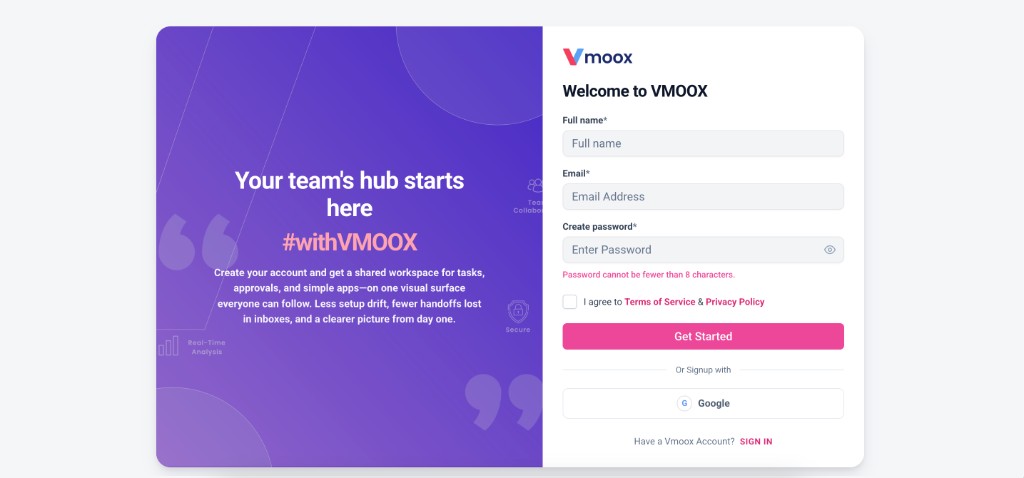
Vmoox onboarding walks you through account verification, workspace creation, app selection, and team invites. Owners pick catalog apps during setup; members land in a workspace that already matches how you work.
Deep capabilities teams use from day one — not a lightweight add-on.
Secure signup before workspace access.
Name your team space and pick a subscription tier.
Language, locale, theme, and brand color in one flow.
Owners select catalog apps to install before day one.
Add members by email with owner or member roles.
Pick up where you left off if you step away mid-setup.
What happens from register to first record.
Onboarding ends with installed apps and a sidebar — not a blank screen asking you to configure everything.
Most teams complete setup in under an hour.
Create your account and confirm your email.
Name your team environment and choose a plan.
Language, theme, and display options.
Owners pick apps; everyone invites who they need.
Real scenarios where teams run this feature every week.
Install Leads and Projects, invite two teammates, start pipeline same afternoon.
HRM and Tasks first; expand to client workspaces later.
Starter plan, one workspace, add apps as revenue grows.
From first signup to a running workspace with apps and teammates — a clear path with no migration project.
